
SCROLL DOWN AND CLICK VIDEO LINKS TO SEE THE PROCESS
When you know which tools to use and when, it goes pretty smooth.
First, draw a simple shape onto a white piece of paper with a bold sharpie marker. Stark contrast is best. Sometimes I’m just working with pictures taken on a phone and texted to me, i zoom in and screen shot it and email that screenshot to myself so i can grab it on my computer. Sometimes I’m working with an image or scan of a previous artwork and it’s in the wrong format, such as in the example I posted below.
I open it in inkscape first, but if the background is to problematic, i go to krita, and edit the image with familiar tools, crop, rotate, select similar color and delete it, save. Back to inkscape. Open drawing in inkscape, choosing embed, fromFile, and smooth. Over on right top, there’s a panel for Trace Bitmap. You have to have your drawing selected for it to preview of course, so go over to edit, select all. Then it will show up in the preview. Mess with the slideybar for threshold and get it just right. Then toward the bottom of the right panel, hit apply. Now File, Save as, name your svg file. Ta-da.
Watch it here — > https://drive.google.com/file/d/10J53RxLc8CCbA5D5RTMzz9tV3QO5aS44/view?usp=sharing
Now to blender. Open a new, select and delete intro objects like always, then import svg into your scene, notice it is a curve type, this is important. Go into the right panel, find the geometry properties, add 0.03 or so to the extrude, and just a lil ways down, in the bevel portion, keep it on round, put 0.004 in for depth. Play with those numbers. Now it is a nice looking object. You can object mode, object menu, convert > to mesh to make it a mesh.
Watch it here — > https://drive.google.com/file/d/1jCT_yKKu30t1HwV4rND592TGJmnKe_iN/view?usp=sharing
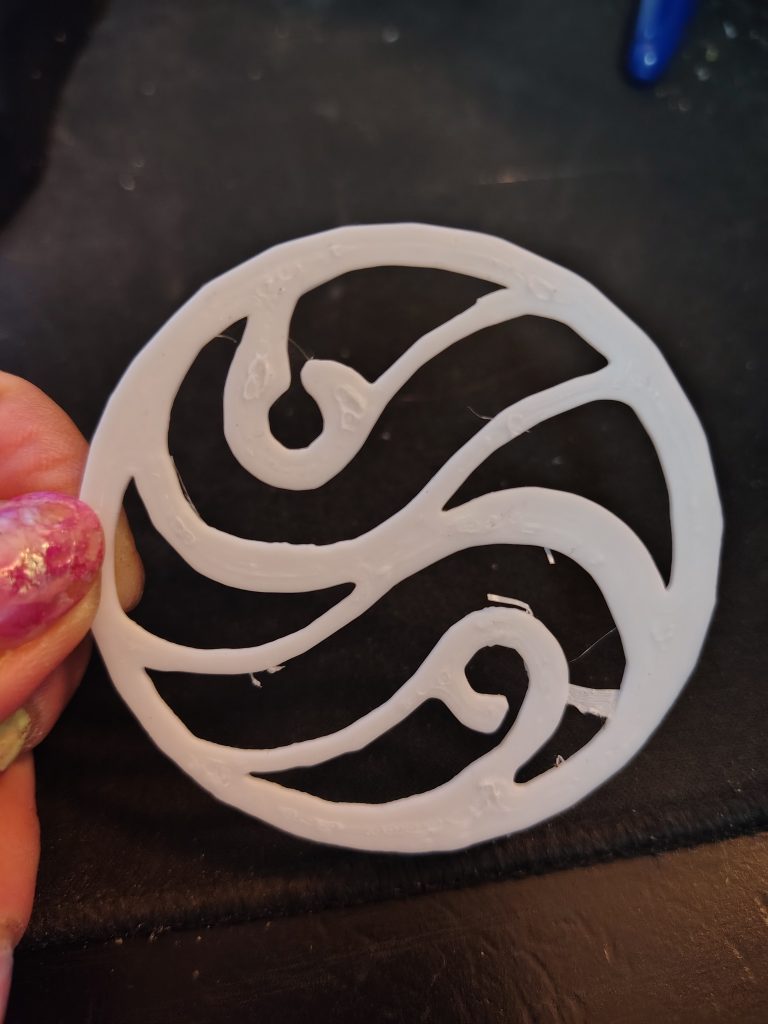
Sometimes it’s clever just to resize a cylinder so it looks coiny and position your lil symbol on top. Tada, coin of your choice.
You can take any simple image and give this a try, doesn’t have to be a drawing.
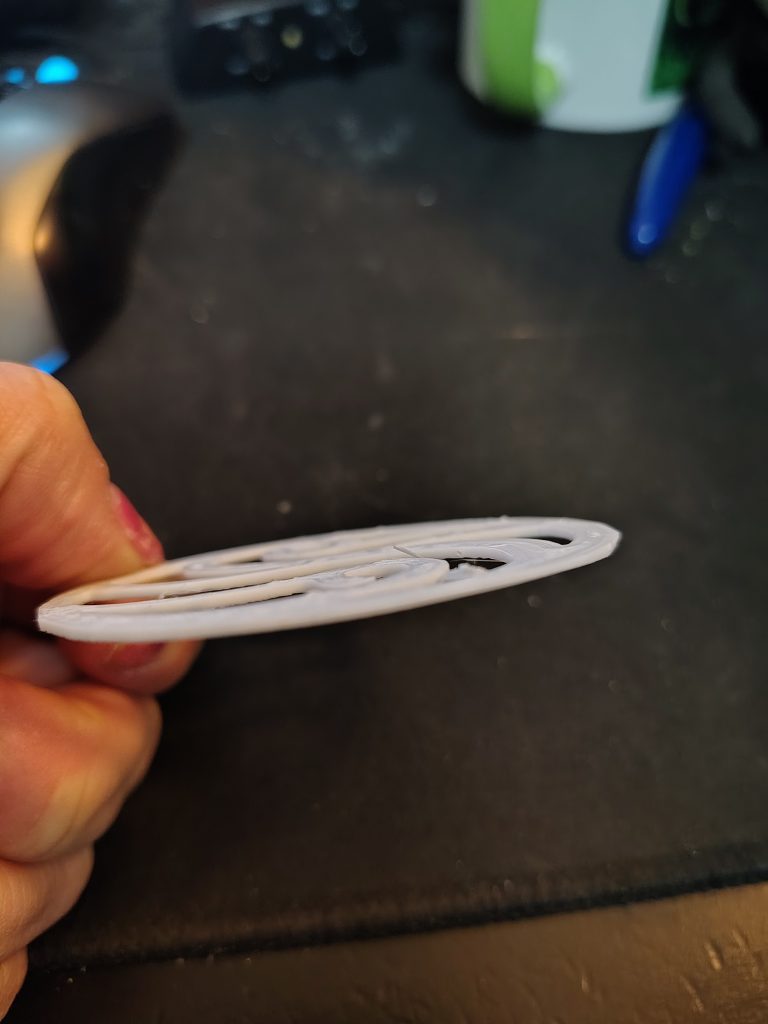
If you liked watching the videos above, you may like the next one. I take it into Orca Slicer and set it up for 3d printing.
Watch it here — > https://drive.google.com/file/d/1SJ0XlVy30xwSwMLD8vQOvipOMn4yDk67/view?usp=sharing
No Responses