

Go to Unity Asset store and get the Meta All in One SDK package

and add it to your assets. Then bring it into your project.
It installs a bunch of dependencies (other packages) as well. You can see which ones if you click the Dependencies tab on the package in the package manager. Interesting to note, the only one it doesn’t give you automatically is the synthetic environment builder, which you have to do individually. I did not….yet.
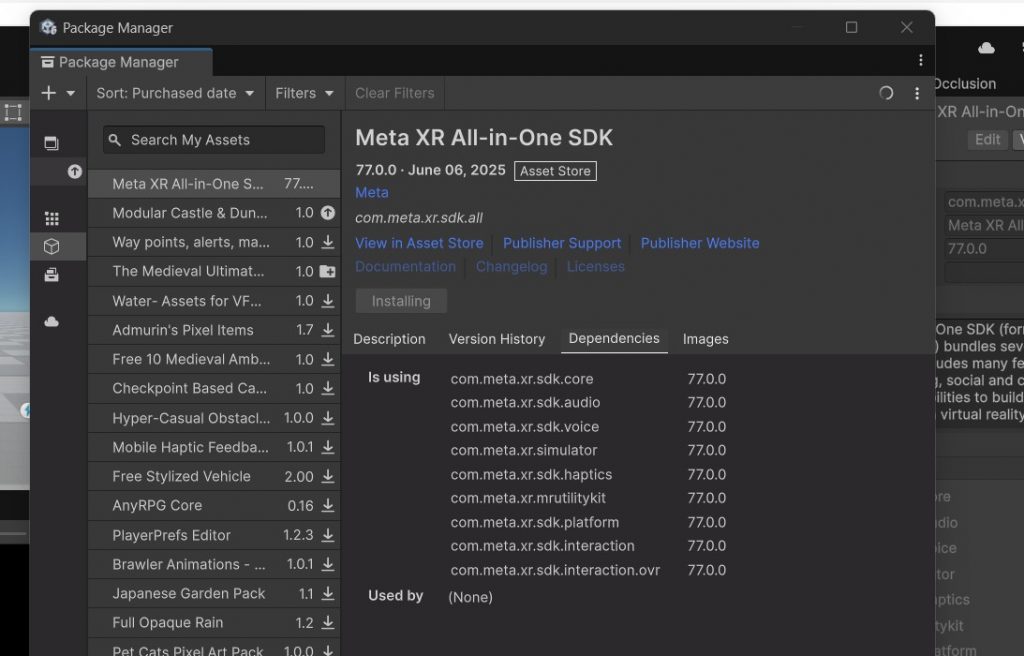
Then it gives you a couple prompts, and makes you restart the Unity editor.
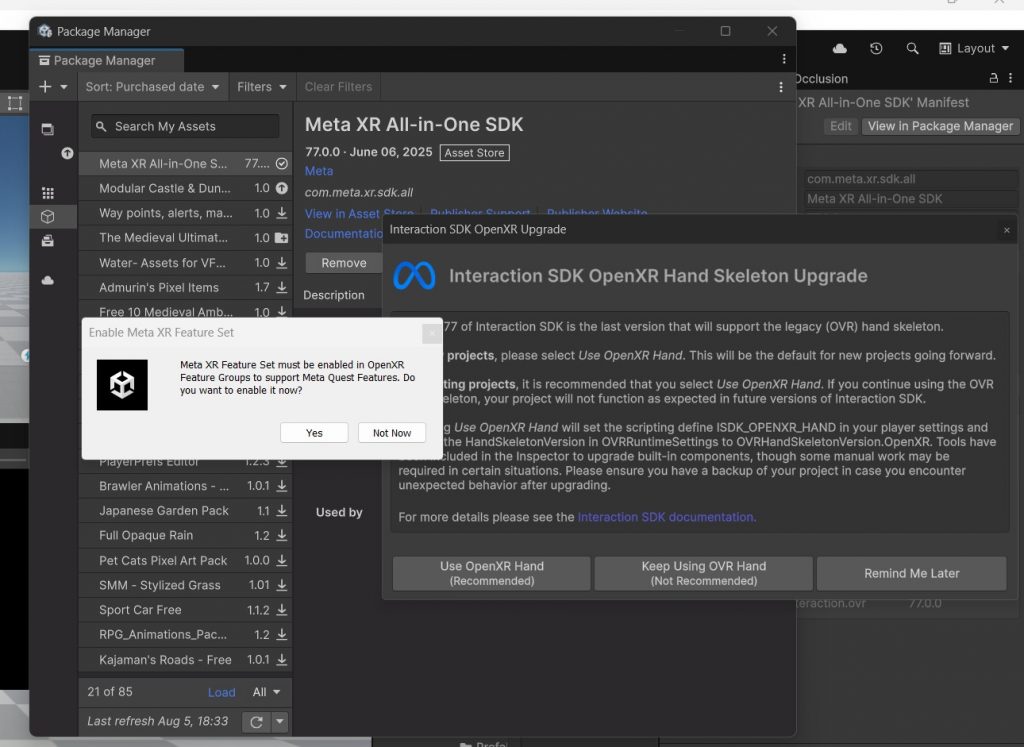
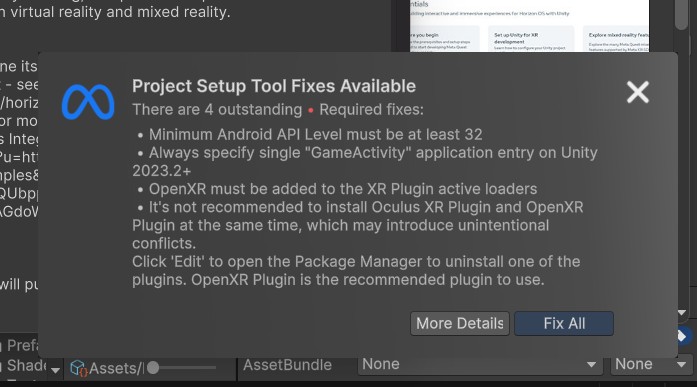
After a few steps, you get to the developing with Meta starter screen….
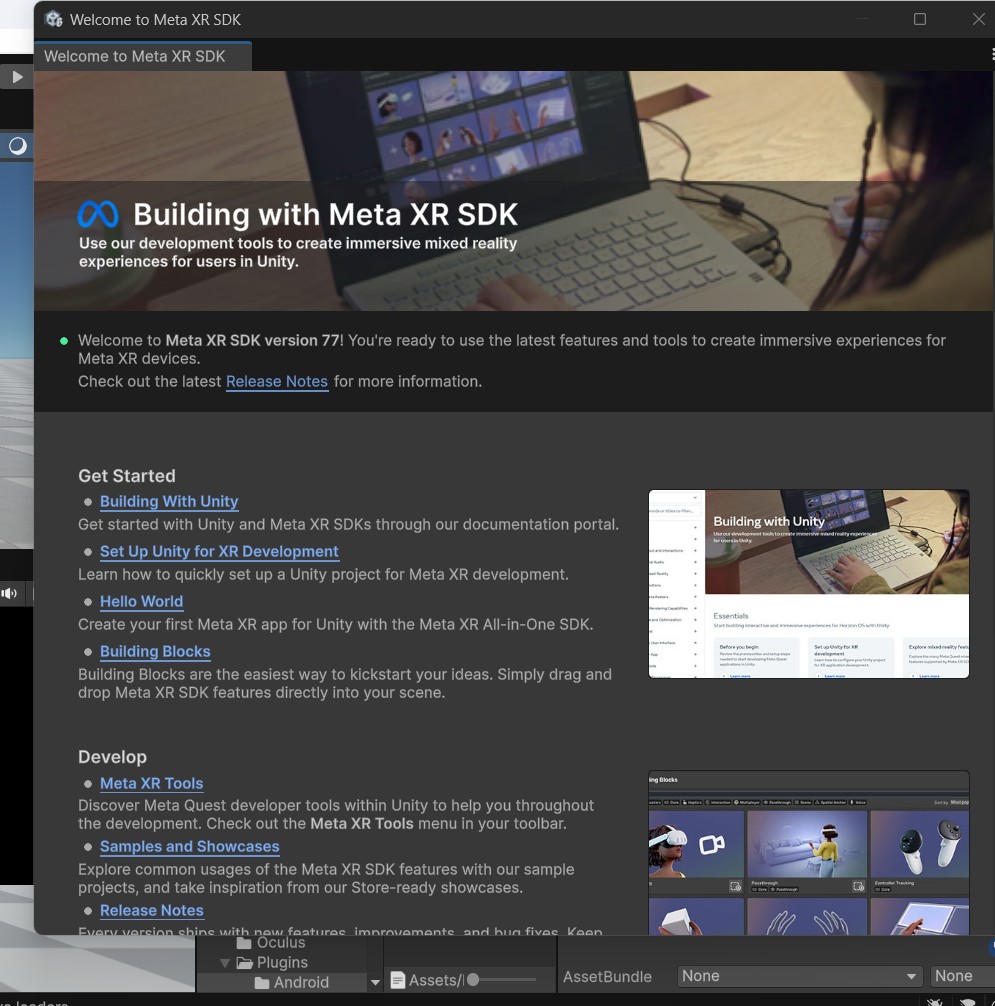
I chose the building blocks section…and then all CORE, and just literally drag every one of these five items into my scene…
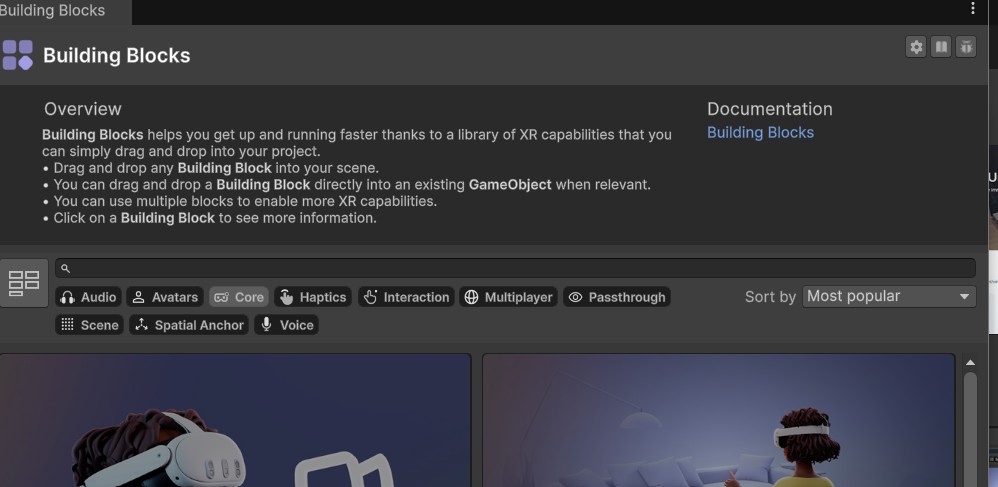
camera rig, passthrough, controller tracking, eye gaze, and MARKED AS NEW hand tracking…
I went to the immersive experience section of the building blocks and teleport, but when you drag it into your scene you get a dialog…
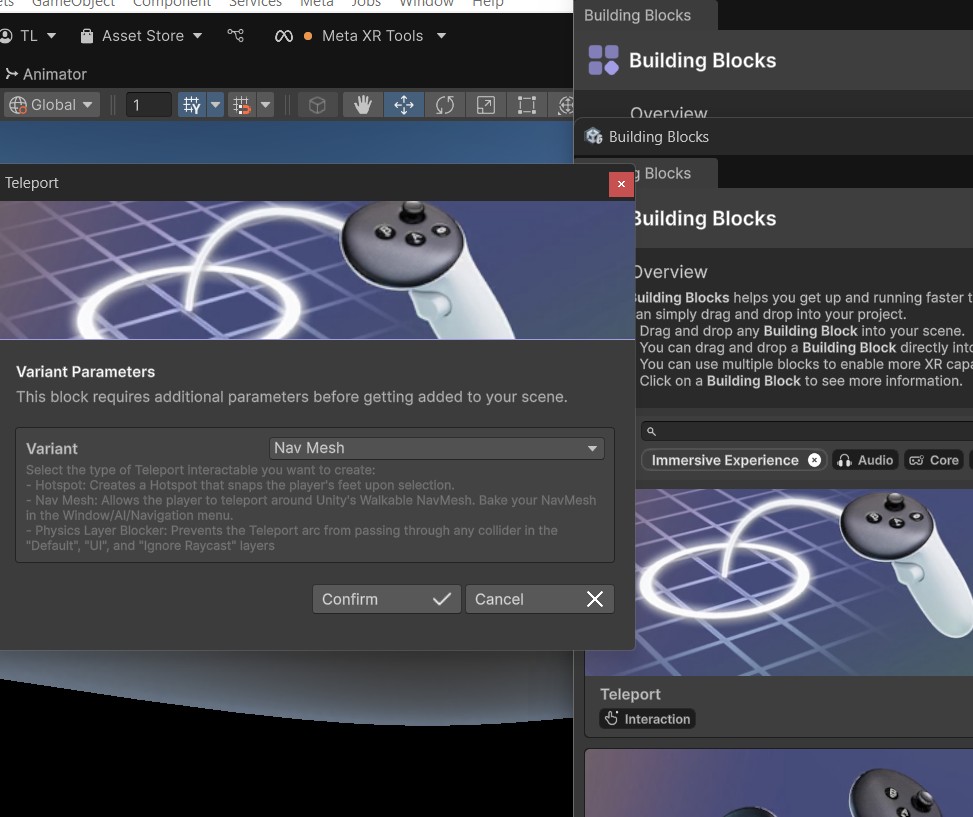
On that drop down that says nav mesh for the variant … Choose hotspot from that drop down as where to teleport to…check confirm… build an apk and test it out. To do that, I use file > build but I see there is a new top level menu Meta > OVR Build apk… I use sidequest to load the apk onto my headset and test.